CapCut Voices of Video Creators
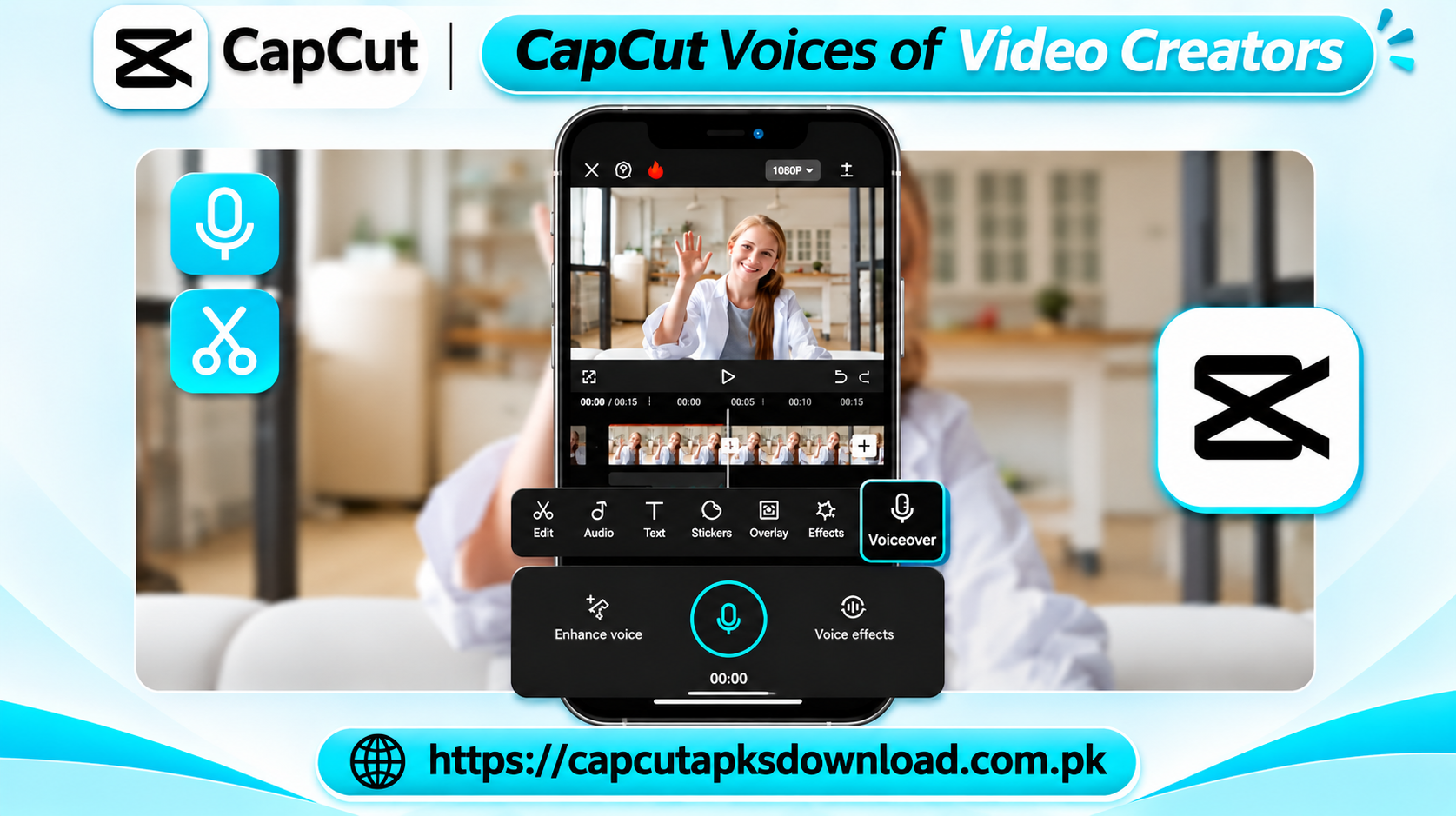
Video editing has become an essential part of digital content creation. From social media influencers and YouTubers to small business owners and independent filmmakers, creators need reliable editing tools to turn their ideas into engaging videos. CapCut offers a combination of creative features, accessible editing tools, and a user-friendly interface that appeals to both beginners and experienced editors.
What Makes CapCut Popular Among Video Creators?
CapCut combines everyday video editing functions with advanced creative tools. Users can trim footage, add music, adjust colors, create animations, and apply visual effects without requiring extensive editing experience.
Its mobile-friendly interface makes it particularly useful for creators who prefer editing videos directly on their smartphones. Instead of relying entirely on desktop editing software, users can record, edit, and prepare content from a single device.
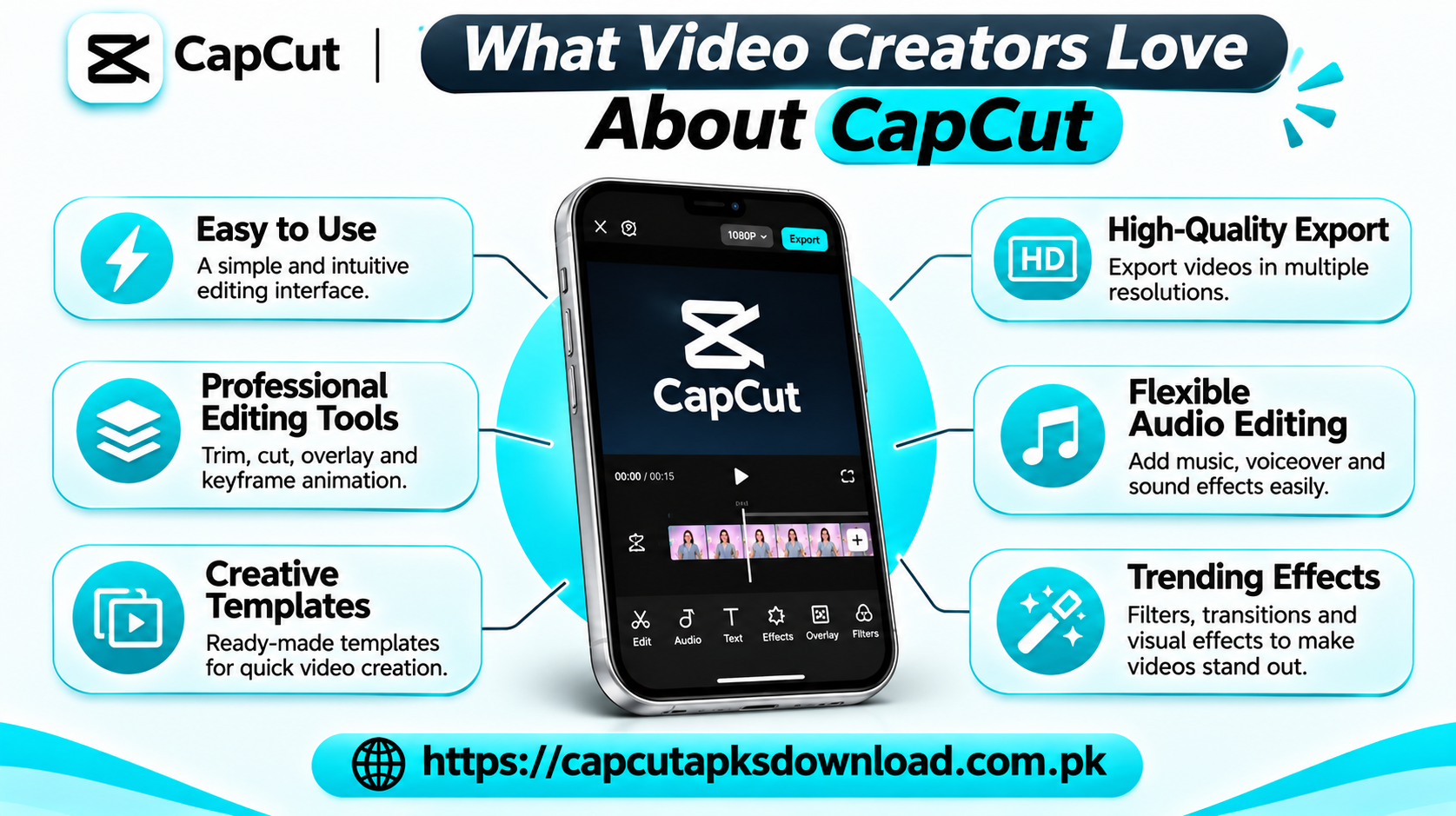
What Video Creators Love About CapCut
Different creators have different editing requirements. However, several CapCut features are particularly useful across various content categories.
Easy-to-Use Editing Interface
CapCut provides an organized editing interface that helps users locate essential tools without navigating complicated menus. Beginners can quickly learn how to import clips, trim footage, add text, and apply effects.
Experienced editors can also benefit from timeline controls and more advanced editing options when working on detailed projects.
Professional Video Editing Features
Creators can enhance their videos using keyframe animation, speed adjustments, background removal, video overlays, and color correction.
These features allow users to experiment with creative techniques and produce visually appealing content without switching between multiple editing applications.
Creative Templates and Effects
CapCut offers templates that can simplify video production. Creators can select a suitable template, replace existing media with their own photos or videos, and customize the result.
Templates are especially helpful when producing short-form content for social media platforms.
High-Quality Video Export
Video quality plays an important role in content presentation. CapCut supports multiple export settings, allowing creators to choose suitable resolutions and frame rates based on their devices, projects, and available features.
Flexible Audio Editing
CapCut allows users to add background music, record voiceovers, adjust audio volume, and apply sound effects. These options help creators produce more engaging videos with balanced sound.
How Different Video Creators Use CapCut
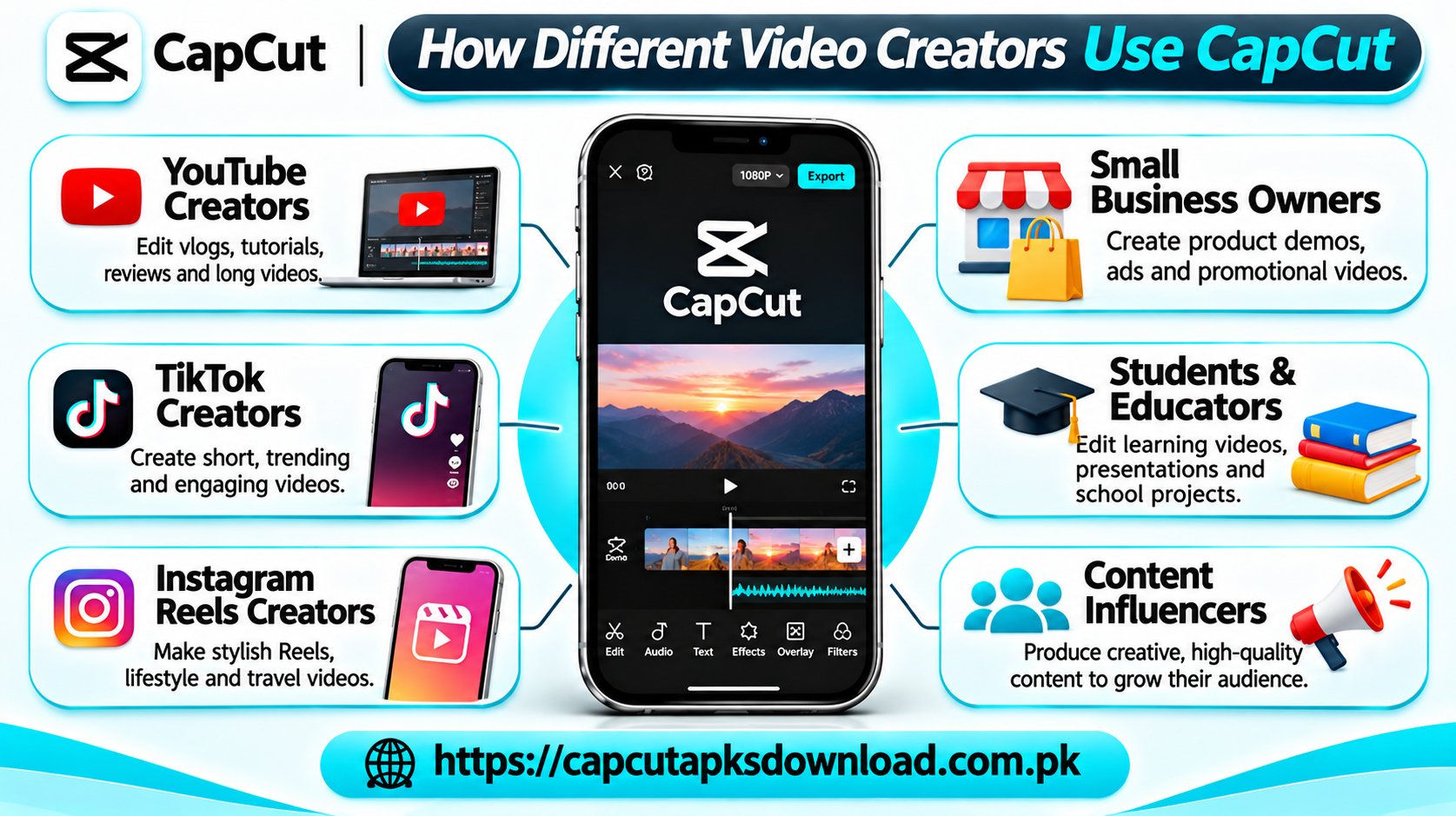
CapCut serves a wide range of content creators, each with unique goals and editing preferences.
YouTube Content Creators
YouTubers can use CapCut to edit vlogs, educational videos, product reviews, tutorials, and entertainment content. Features such as automatic captions, audio adjustments, transitions, and text overlays help improve video presentation. Creators can also remove unnecessary footage and organize clips to maintain audience engagement.
TikTok Video Creators
TikTok creators often need quick editing solutions for short and engaging videos. CapCut provides speed controls, trending templates, beat synchronization, and visual effects that support short-form video production. These tools allow creators to experiment with different formats and develop content that reflects their individual style.
Instagram Reels Creators
Instagram creators can use CapCut to produce lifestyle videos, fashion content, travel highlights, and promotional Reels. Its vertical video formats, filters, transitions, and text animations make it easier to prepare content for mobile audiences.
Small Business Owners
Businesses can use CapCut to create product demonstrations, advertisements, promotional campaigns, and customer testimonial videos. Custom text, branding elements, background music, and product overlays help businesses communicate their messages through visually appealing content.
Students and Educational Creators
Students and teachers can use CapCut to prepare educational presentations, classroom projects, instructional videos, and online learning materials. Voiceovers, subtitles, and visual elements can make educational content easier to understand and more engaging.
CapCut Voices of Video Creators: Different Editing Perspectives
The following examples illustrate how different creators might experience CapCut based on their editing needs. They are illustrative perspectives rather than verified customer testimonials.
The Beginner's Perspective
A beginner may appreciate CapCut because it makes basic video editing approachable. Simple controls for trimming, adding music, and inserting text help new users complete their first projects without extensive technical knowledge.
The Professional Editor's Perspective
Experienced editors may find CapCut useful for quick projects, social media content, and mobile editing. Advanced tools such as keyframes, masking, overlays, and color adjustments provide additional creative flexibility.
The Social Media Influencer's Perspective
Influencers often need to publish content regularly. CapCut templates and streamlined editing tools can help reduce production time while maintaining a consistent visual identity across social media platforms.
The Business Creator's Perspective
Business owners may appreciate the ability to create promotional content without maintaining a dedicated video production team. Product highlights, animated text, and branded visuals can help present products and services effectively.
How CapCut Helps Creators Save Time
CapCut APK simplifies several of these tasks through built-in editing tools. Automatic captions can reduce manual transcription work, while templates provide a starting point for new projects. Timeline editing also helps creators organize multiple clips within a single workspace.
CapCut simplifies several of these tasks through built-in editing tools. Automatic captions can reduce manual transcription work, while templates provide a starting point for new projects. Timeline editing also helps creators organize multiple clips within a single workspace.
Frequently Asked Questions
Why do video creators prefer CapCut?
CapCut offers an accessible interface, creative templates, audio editing, transitions, and advanced video editing features that support different types of content creation.
Is CapCut suitable for professional video editing?
CapCut supports many advanced editing functions and can be useful for professional social media projects, advertisements, and short videos. More complex productions may require specialized editing software.
Can beginners use CapCut without editing experience?
Yes, beginners can start with basic tools such as video trimming, text overlays, templates, and transitions before exploring advanced editing features.
Is CapCut useful for YouTube and Instagram creators?
Yes, CapCut provides editing tools and video formats suitable for YouTube videos, Instagram Reels, Shorts, and other social media content.
Is CapCut completely free for video creators?
CapCut offers free editing features, but certain premium effects, templates, AI tools, and advanced functions may require a paid subscription.
Final Thoughts
CapCut has become a valuable editing option for creators who want to transform their ideas into engaging digital content. Its combination of accessible controls, creative effects, flexible audio tools, and advanced editing features supports a wide range of projects.